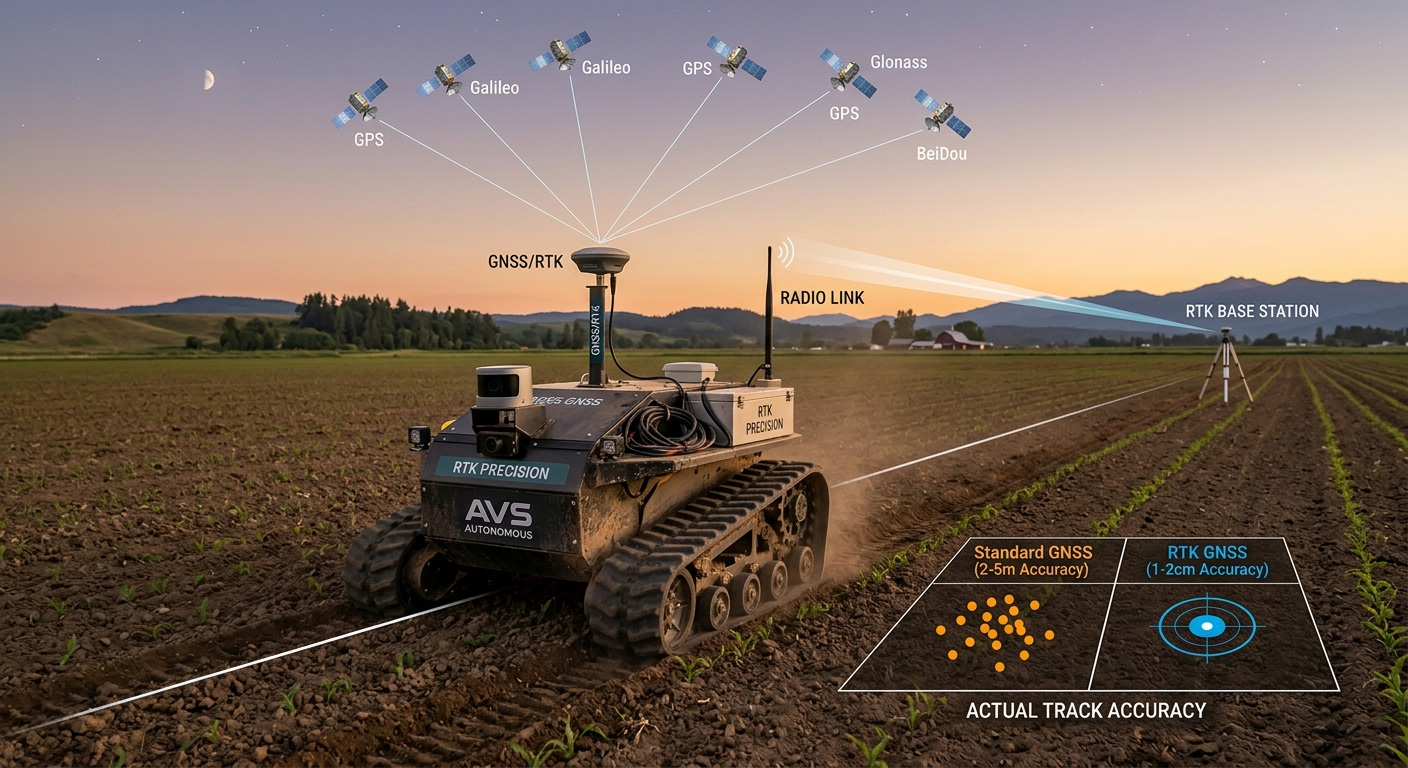
If you are building an outdoor robot, standard GPS is often not accurate enough. A typical GPS receiver can have a position error of 1-10 meters. This may cause the robot to miss waypoints, drive outside its working area, or collect inaccurate data.
Modern GNSS receivers with RTK (Real-Time Kinematic) corrections can improve positioning accuracy from a few meters to just 1–2 centimeters. With this level of accuracy, robots can follow precise paths, drive between crop rows, return to charging stations, repeat the same route many times, and perform autonomous tasks more safely and reliably.
In this post, we explain the three main components you need to achieve centimeter-level positioning:
If your robot needs centimeter-level positioning, the u-blox ZED-F9P is one of the most popular GNSS receivers available. It has become a standard choice for robotics developers because it brings professional RTK technology to a wide range of projects without requiring expensive equipment.
When connected to RTK corrections from an NTRIP service or a local GNSS base station, the ZED-F9P can achieve 1–2 cm positioning accuracy. This makes it suitable for many outdoor robotics applications, including autonomous ground robots, agricultural robots, robotic mowers, delivery robots, inspection robots.
With centimeter-level positioning, robots can accurately follow predefined paths, navigate between crop rows, dock at charging stations, or repeatedly return to the same location.
Why do robotics developers choose the u-blox ZED-F9P?
The ZED-F9P offers a good balance between performance, ease of integration, and cost.
Main features include:
For detailed technical specifications, see the u-blox ZED-F9P specification. You can also learn more about RTK positioning for robotics from u-blox – Ground Robots and Septentrio – Robotics Applications.
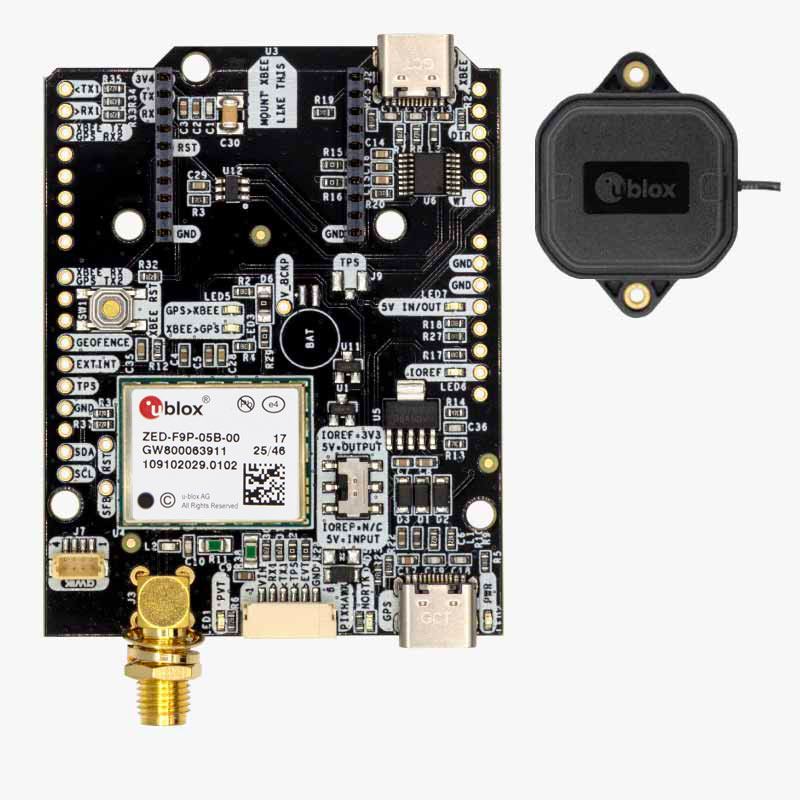
Popular GNSS kits with ZED-F9P:
An RTK GNSS receiver alone is not enough to achieve centimeter-level accuracy. It also needs RTK correction data.
The most common way to receive corrections is through an NTRIP service. An NTRIP service sends correction data over the Internet to your robot.
Many countries provide public or commercial NTRIP networks. Availability, coverage, pricing, and registration requirements depend on your location. A good starting point is this RTK Correction Services Database, which lists RTK correction services from many countries around the world.
What if there is no NTRIP service available?
If you cannot find a suitable NTRIP service in your area, you can build your own RTK base station. An RTK base station generates RTK corrections locally and can share them with one or more robots. This solution requires additional hardware but gives you full control over the correction source and may eliminate subscription fees.
There are several RTK base station solutions available on the market:
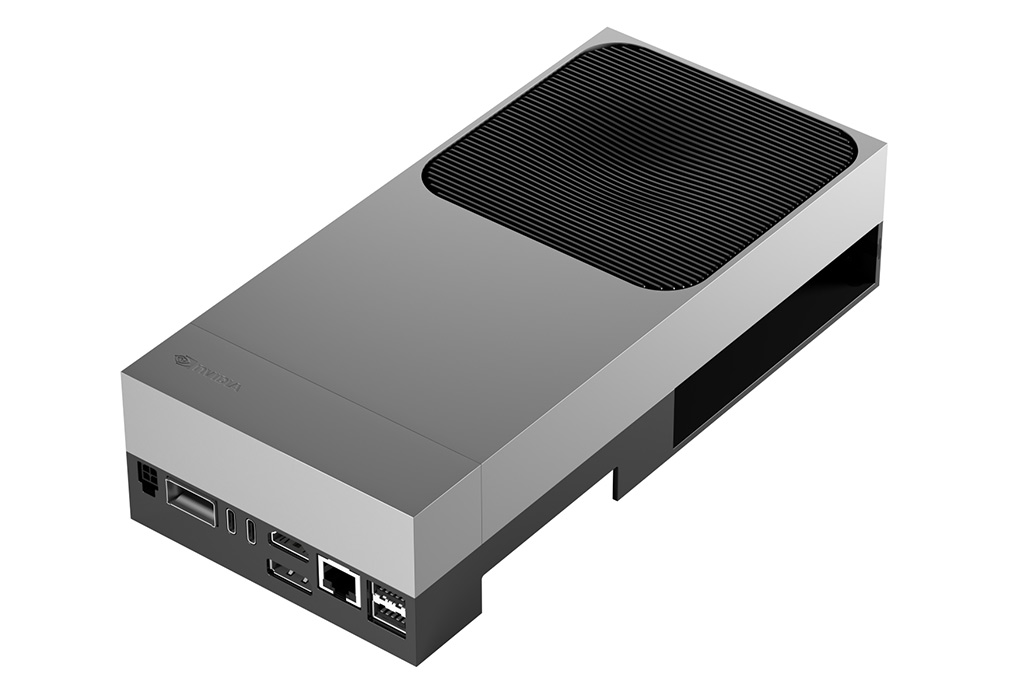
After selecting your GNSS receiver and correction source, you need a controller that tells the robot what to do with the position information. This controller is called the development platform. In simple terms:
The best choice depends on the complexity of your robot.
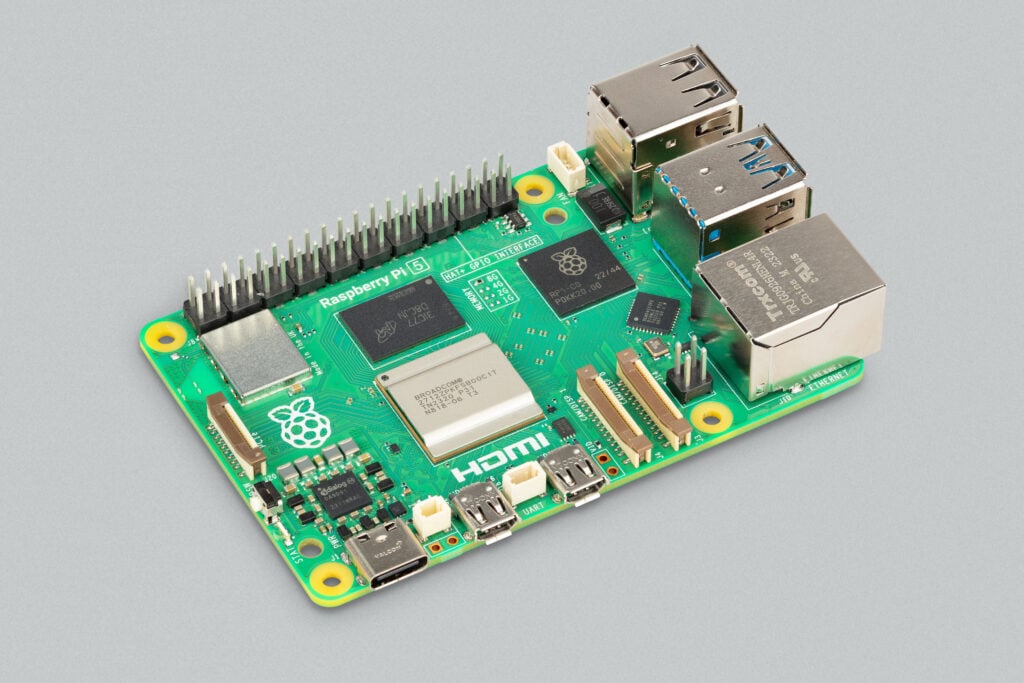
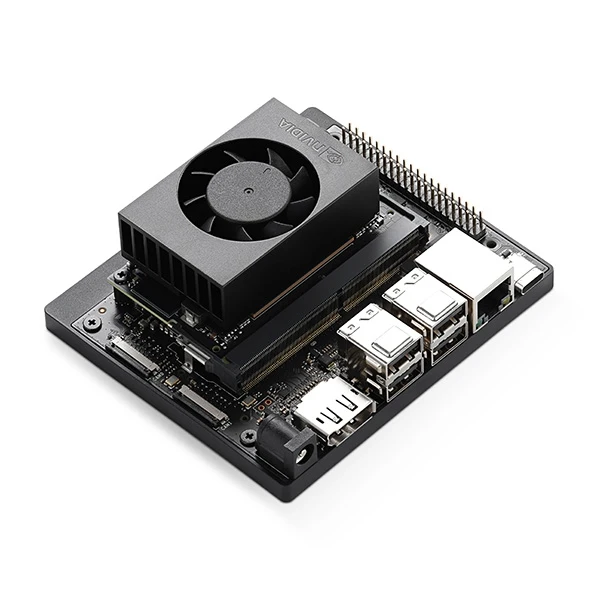
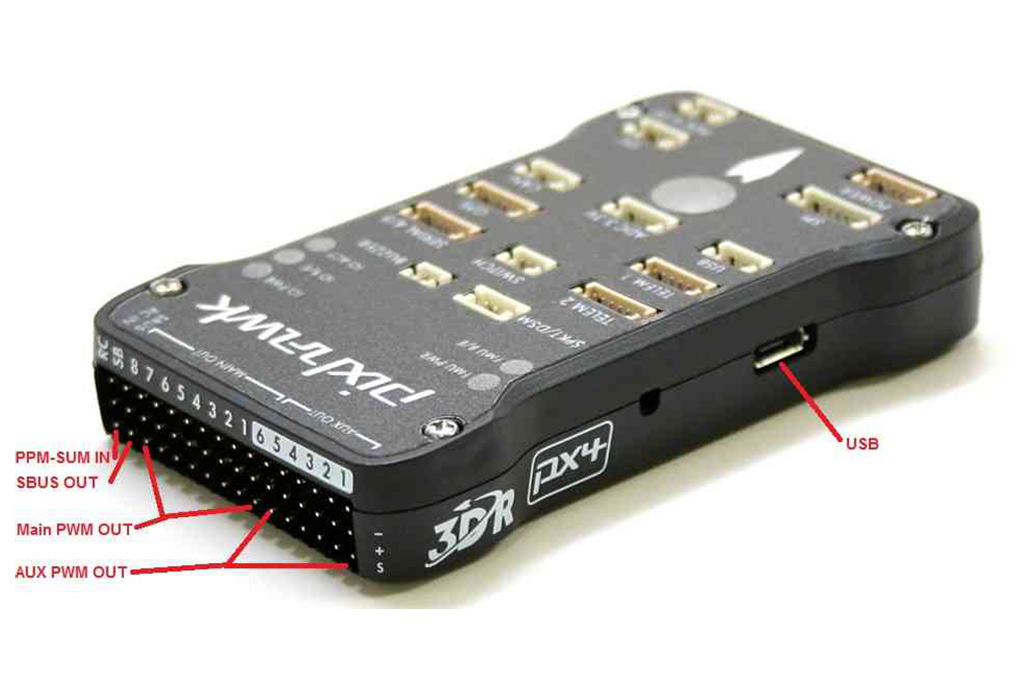
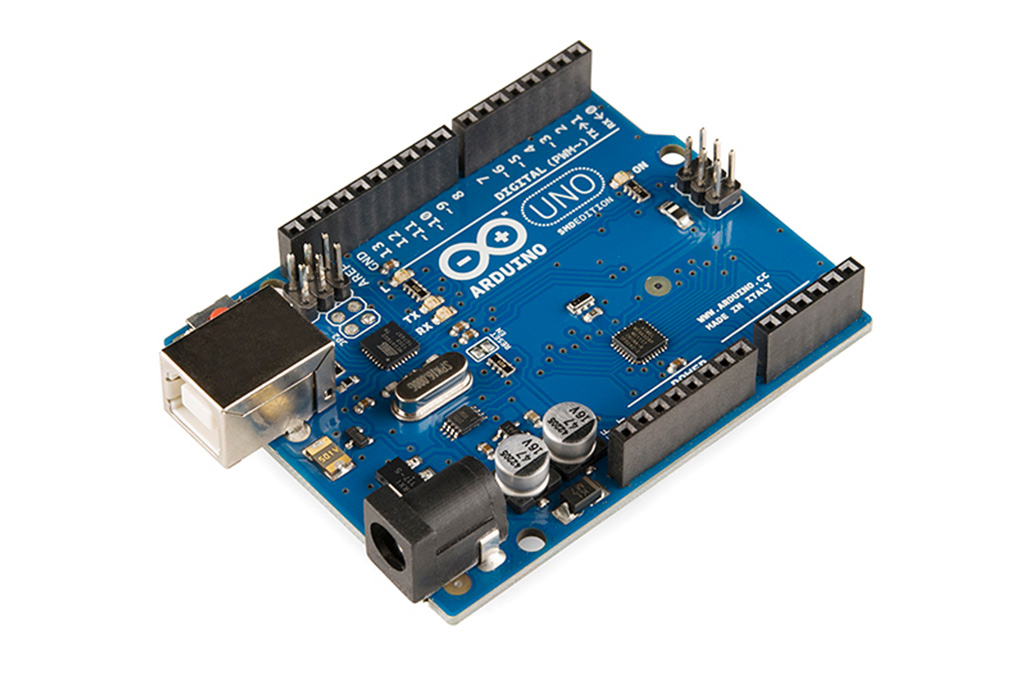
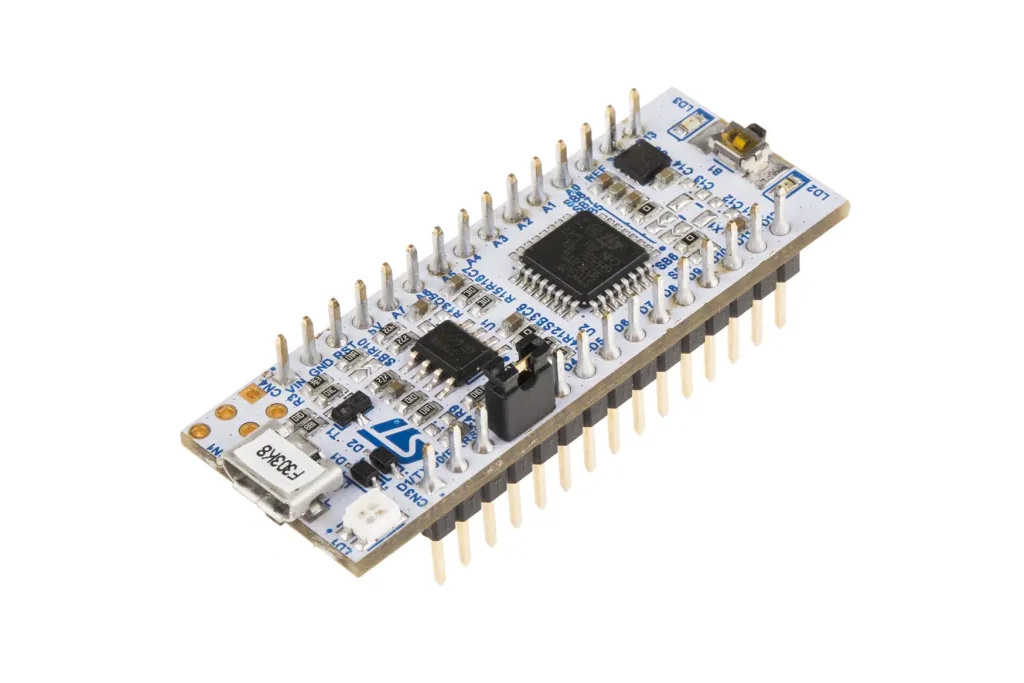
As a general rule:
If you are not sure which platform is best for your project, contact us. We will be happy to help you choose the right solution.
Outdoor robotics falls apart without reliable spatial repeatability. A regular consumer GNSS receiver gives you multi-meter errors, and in the real world that means your robot drifts off the crop rows, misses the docking station by half a meter, or reports completely different coordinates on every lap around the field.
Real-Time Kinematic (RTK) fixes that headache. It can tighten things down to 1–2 cm — but only if you combine a good RTK-capable receiver with solid correction data and a compute platform that can keep up with the high-speed updates.
1. The Go-To Hardware: Why Everyone Ends Up with the ZED-F9P
After comparing several RTK modules side by side, the u-blox ZED-F9P has become the default choice for both prototyping and serious fleet deployments. It finally broke the old cost barrier of survey-grade equipment without sacrificing the performance you need for tight control loops.
Ready-to-Use Rovers vs. Bare Boards
Your choice depends on how much time you have and how custom you want the hardware.
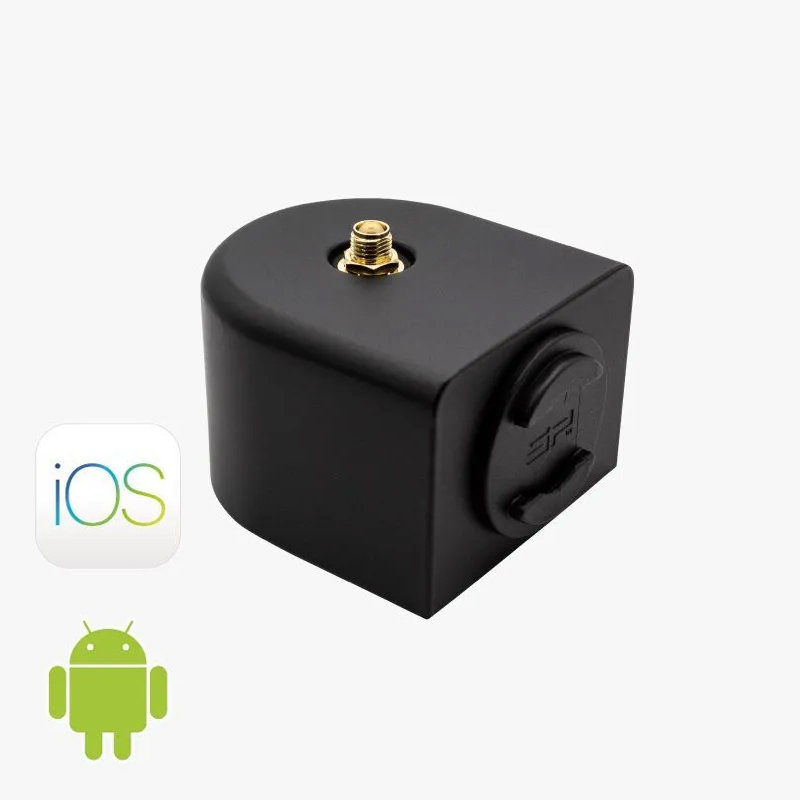
Integrated RTK rovers (pre-built with antenna, battery, enclosure, etc.) are fantastic for quick field testing. You skip all the RF tuning and waterproofing headaches and get something rugged right away. The downside? Less flexibility if you later want to deeply integrate it into your own robot chassis.
The bare ZED-F9P development board is my preference for custom R&D builds. You can mount it exactly where you want, run high-speed serial straight to your main computer, and pick the best external antenna for your specific environment. More upfront work, but the end result feels cleaner and more optimized.
2. Getting Corrections: NTRIP vs. Your Own Local Base
An RTK receiver is only as good as the correction data it receives. You need real-time RTCM messages to cancel out atmospheric delays and satellite clock errors.
Public & Community NTRIP Networks Many regions offer national RTK networks or free community casters like RTK2go. Connect over cellular or WiFi and you’re good to go, with no extra hardware to maintain. The catch comes when you lose signal or drive too far from the nearest reference station. I’ve watched accuracy go from rock-solid 2 cm to 15+ cm just by crossing a large field.
Dedicated Local Base Station For industrial sites, remote farms, or anywhere cellular is unreliable, setting up your own base is often the best move. Park a second ZED-F9P at a well-surveyed fixed point and broadcast corrections over a sub-GHz radio link to your rover.
The difference is night and day: maximum precision, minimal latency, and total independence from internet or cell coverage. Once you run a system like this, it’s hard to go back to public networks.
3. Choosing Compute: Matching Power to Your Autonomy Needs
The GNSS module gives you accurate coordinates. Your processing board decides what the robot actually does with them.
High-Level Autonomy (ROS 2 + AI)
More Deterministic / Integrated Navigation